How to Create Meesho Seller Account & Start Reselling Online
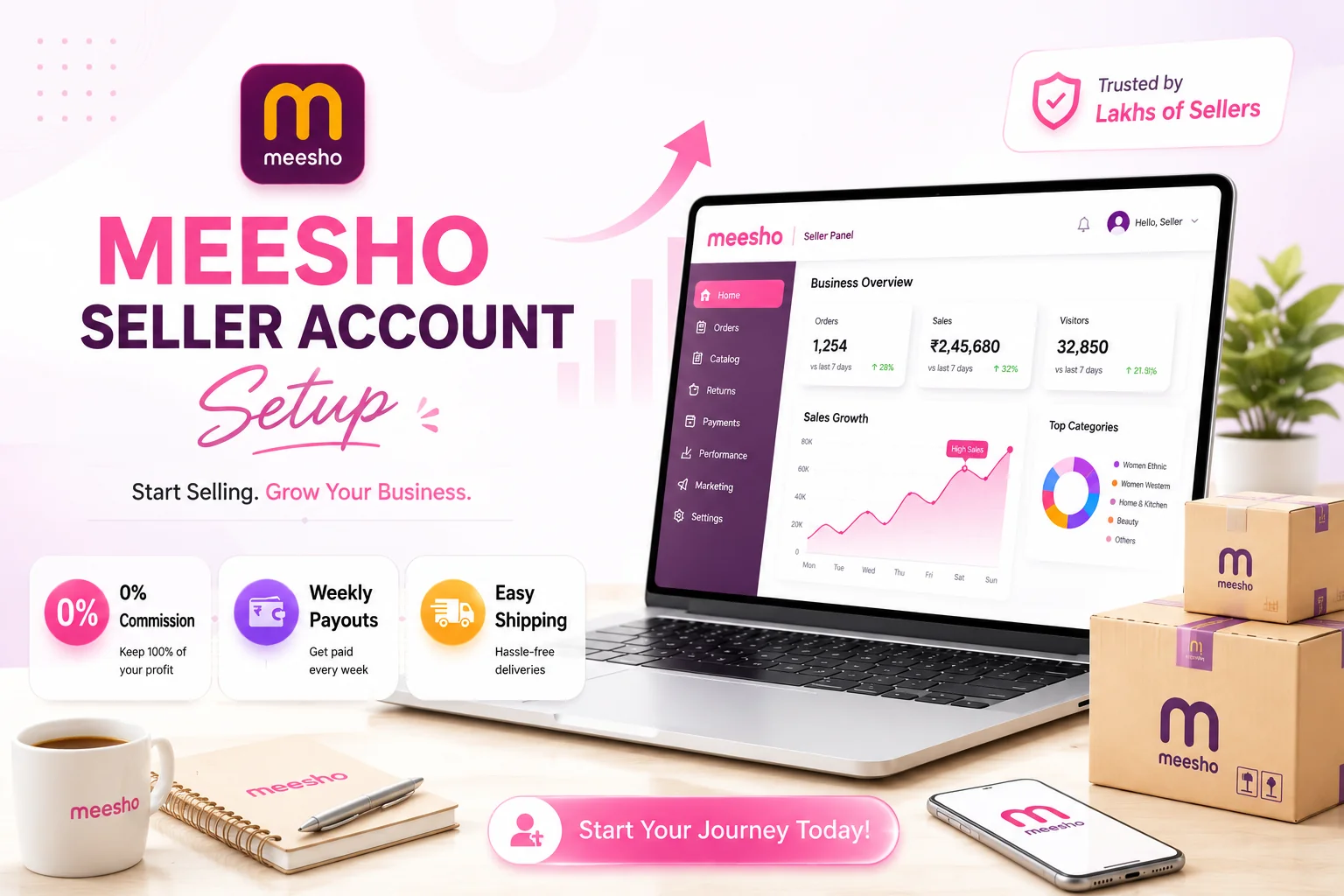
Do you want to sell products online with zero commission? Meesho is the perfect platform for you. In this guide, we will walk you through the process of creating a Meesho Seller account. Meesho has revolutionized social commerce in India, making it easy for anyone to start an online business.
Whether you are a housewife, a student, or a shop owner, you can easily become a Meesho supplier and reach millions of customers across India.
Requirements to Become a Meesho Seller
Before you begin the registration, make sure you have the following documents ready:
- GSTIN Number: Mandatory for selling on Meesho (unless you sell GST-exempt goods).
- Bank Account: A savings or current account to receive weekly payments.
- Mobile Number & Email: For OTP verification and account updates.
Important: Selling on Meesho without a GST number is generally not possible for most categories. Ensure you have a valid GST registration.
Step-by-Step Guide to Create Meesho Seller Account
Step 1: Visit Meesho Supplier Panel
Go to the official Meesho Supplier Panel and click on 'Start Selling'.
Step 2: Enter Mobile Number
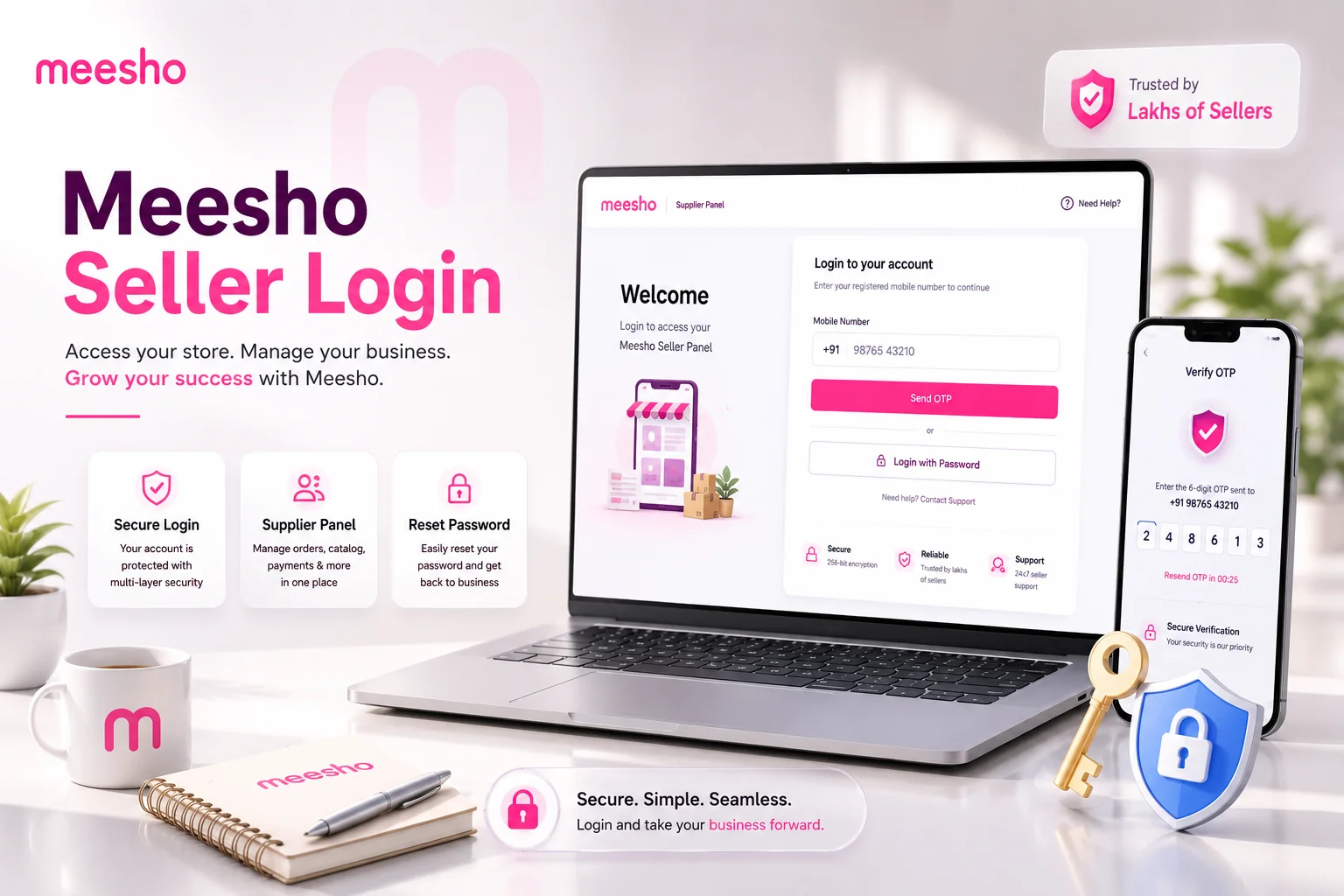
Enter your active mobile number. You will receive an OTP. Enter it to verify your number. This number will be your registered mobile number.
Step 3: Set Email and Password
Provide your email address and create a strong password for your supplier account.
Step 4: Enter GST Details
Enter your GSTIN number. The system will automatically fetch your business details like address and PAN. Verify if the information is correct and proceed.
Step 5: Add Bank Account Information
Enter your bank account number and IFSC code. Meesho will deposit ₹1 into your account to verify it. Ensure the bank account holder's name matches the business name on your GST.
Step 6: Set Store Name
Choose a unique Store Name for your shop. This name will be visible to customers on the Meesho app.
What to Do After Account Creation?
Once your account is live, follow these steps to start getting orders:
- Upload Catalog: Add high-quality images and detailed descriptions of your products.
- Set Competitive Pricing: Use Meesho's price recommendation tool to set attractive prices.
- Ship Orders on Time: Pack your orders and hand them over to the logistics partner promptly to maintain a high rating.
Benefits of Selling on Meesho
- 0% Commission: Keep more of your profit as Meesho charges 0% commission on most categories.
- Huge Customer Base: Reach customers in tier-2 and tier-3 cities easily.
- Weekly Payments: Get paid securely and directly into your bank account every week.
Understanding Meesho's Return Policies
Dealing with returns is inevitable in e-commerce. Meesho processes two types of returns: Customer Returns (when the buyer rejects the product after delivery) and RTO / Courier Returns (when the logistics partner cannot deliver the item). Because of the 0% commission structure, Meesho strictly monitors returns. If your returns are continuously high due to poor quality or missing items, you will face monetary penalties and potentially lose your seller privileges.
The Importance of Next-Day Dispatch (NDD)
Meesho heavily favors suppliers who ship fast. Enrolling in the Next-Day Dispatch (NDD) program ensures that your catalog gets a special badge, significantly increasing your visibility and order volume. To succeed in NDD, you must keep pre-packed inventory ready and process shipping labels the moment an order drops.
Packaging Materials and Guidelines
Unlike some platforms that force you to buy expensive branded corrugated boxes, Meesho provides flexibility. For clothing and non-fragile items, you can use plain, tamper-proof polybags. However, you must securely paste the shipping label and invoice on the outside. Ensure the barcode on the label is flat and scannable by the pickup boy, otherwise, your dispatch will be rejected.
Meesho Label Crop Tool
Smart label formatter. Instantly convert Meesho A4 PDFs into thermal printer labels.
Conclusion
Becoming a Meesho seller is the perfect gateway to starting an e-commerce journey with minimal upfront capital. The zero-commission model empowers you to price competitively and reach millions of buyers in Tier-2 and Tier-3 cities. Once your account is live, focus heavily on product quality, Next-Day Dispatch, and leveraging automated label processing utilities to build a 5-star supplier reputation.
Frequently Asked Questions
You need a valid GSTIN number, a bank account for weekly payouts, and an active mobile number and email for verification.
Meesho generally charges 0% commission across most categories, allowing sellers to keep maximum profit.
Meesho usually deposits ₹1 into your account for instant verification once you provide the account number and IFSC code.
🚀 Grow Your Seller Account with Our Tools
Process labels 10x faster, calculate absolute profit metrics and improve product listings instantly!




Frequently Asked Questions
What documents are required for Meesho seller registration?
You need a valid GSTIN number, a bank account for weekly payouts, and an active mobile number and email for verification.
Does Meesho charge commission from sellers?
Meesho generally charges 0% commission across most categories, allowing sellers to keep maximum profit.
How long does it take for Meesho to verify bank account?
Meesho usually deposits ₹1 into your account for instant verification once you provide the account number and IFSC code.