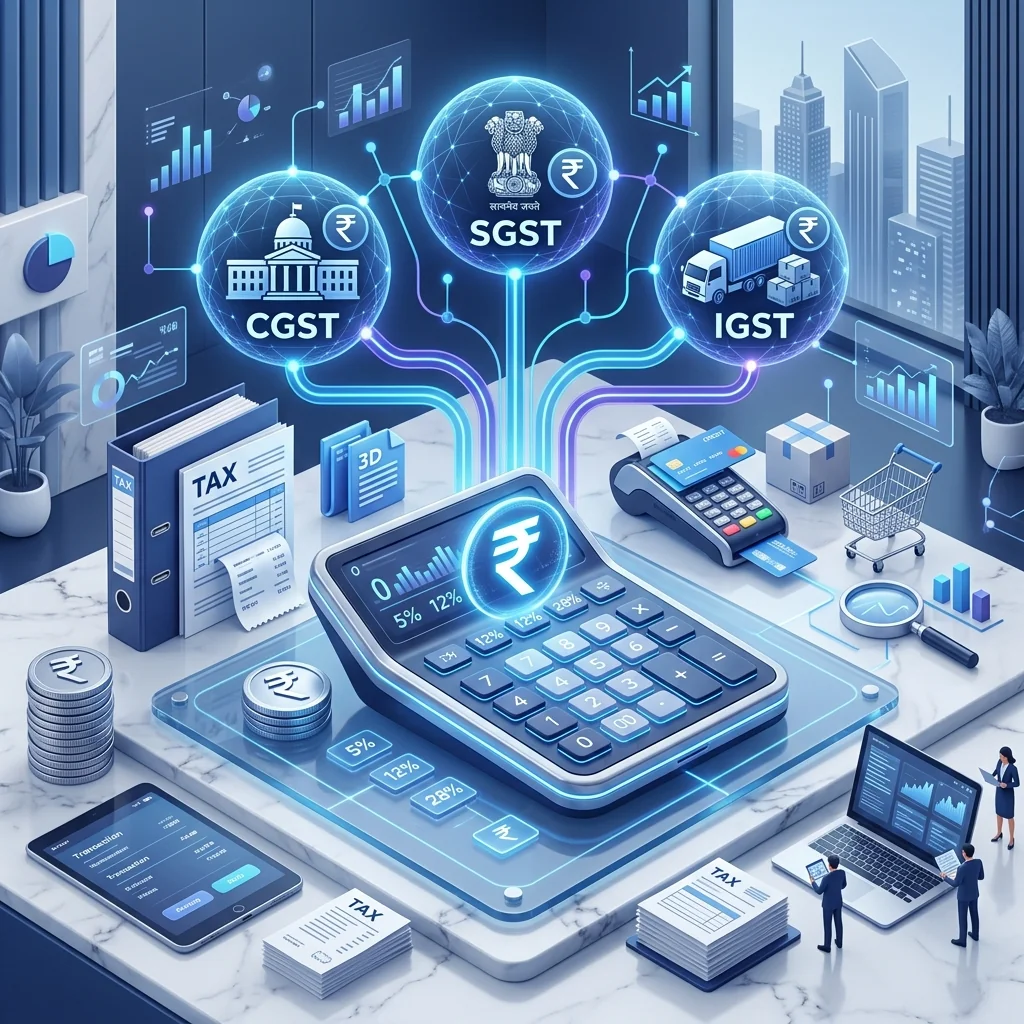
E-Commerce GST TCS (Section 52) & TDS Reconciliation for Sellers

E-Commerce GST TCS (Section 52) & TDS Reconciliation for Sellers

E-Commerce GST TCS & TDS Reconciliation Guide: Complete Process for Online Sellers

For e-commerce sellers in India, reconciling Tax Collected at Source (TCS) deducted by marketplaces like Flipkart, Amazon, Meesho, and Snapdeal is one of the most vital monthly accounting tasks. Incorrect reconciliation can lead to lost tax credits, inflated tax liabilities, and scrutiny notices from the GST department. This comprehensive guide walks you through the complete TCS and TDS reconciliation process for multi-channel e-commerce operations.

Understanding E-Commerce TCS Under Section 52 of CGST Act

Under Section 52 of the CGST Act 2017, every Electronic Commerce Operator (ECO) is statutorily required to collect tax at source (TCS) at the rate of 1% (0.5% CGST + 0.5% SGST for intra-state supplies, or 1% IGST for inter-state supplies) on the net value of taxable supplies made through their platform. The net value is calculated using the standard formula:

Net Value of Taxable Supplies = Gross Value of Taxable Supplies - Value of Sales Returns (RTO & Customer Returns)

The marketplace operator deducts this 1% TCS from the seller's payout settlement and deposits it with the Central and State Governments by the 10th of the following month via Form GSTR-8. The seller can then accept and claim credit for this deposited TCS in their electronic cash ledger on the GST portal to offset cash tax liability.

TCS Deduction Framework Across Major Marketplaces

  • Amazon India: Deducts 1% TCS on all net dispatched orders. Monthly TCS breakdown statements are downloadable in Seller Central under Reports > Tax Document Library > Merchant Tax Report.
  • Flipkart: Collects 1% TCS at order level. Sellers can download monthly TCS reconciliation files from Flipkart Seller Hub under Payments > Invoices > Tax Reports.
  • Meesho: Deducts 1% TCS net of customer cancellations and return shipments. Statements are available under Meesho Supplier Panel > Payments > TCS Reports.
  • Snapdeal & Others: Follow identical 1% deduction cycles with monthly statements available under seller settlement tabs.

Step-by-Step Monthly TCS Reconciliation Procedure

Step 1: Download Marketplace Monthly Settlement & Tax Reports

At the close of each calendar month, download the detailed MTR (Merchant Tax Report) or settlement report from each active marketplace account. Extract the aggregate taxable order values, gross return values, net taxable value, and total TCS deducted across CGST, SGST, and IGST heads.

Step 2: Access the GST Portal and View Form GSTR-2X / TCS Credits

Log in to the official GST portal (gst.gov.in) with your credentials. Navigate to Services > Returns > Returns Dashboard, select the financial year and return period, and click on "TDS and TCS credit received" (Form GSTR-2X). This dashboard auto-populates all TCS amounts filed by Amazon, Flipkart, Meesho, and other platforms under Form GSTR-8 against your GSTIN.

Step 3: Compare Platform MTR Data Against Portal Records

Perform an itemized cross-verification between marketplace-reported TCS and portal-populated entries. Ensure that the GSTIN listed by the marketplace matches your active registration, the taxable base corresponds to your actual sales, and tax head allocations (IGST vs CGST/SGST) align with the customer delivery state.

Step 4: Accept or Reject TCS Entries on the Portal

Review each line entry under the TCS Credit Received table on the GST portal. If the numbers match, select "Accept" to credit the funds into your Electronic Cash Ledger. If there is an unresolved discrepancy, you may reject or keep the entry pending while raising a dispute ticket with the marketplace merchant helpdesk.

Step 5: Offset Net GST Liability in GSTR-3B

Once accepted, the TCS funds become immediately available in your Electronic Cash Ledger. When filing your monthly GSTR-3B return, utilize these cash balances to pay off your net tax liabilities, substantially reducing the out-of-pocket cash required for tax compliance.

Free Online GST Tax Invoice Generator Tool

Create, customize, and download A4 PDF GST tax invoices directly below:

Step 1 of 6Seller & Logo Details17%

1. Seller & Logo Info

2. Customer & Consignee Details

3. Transport & Invoice Meta

4. Itemized Products Table

DescriptionHSNQtyUnitRate (₹)DiscGST%
Item #1
Item #2

5. Bank Details & Pay UPI QR

A4 Tax Invoice Live Preview
IGST
Page No. 1 of 1
TAX INVOICE
ORIGINAL FOR RECIPIENT
Add Logo

GUJARAT FREIGHT TOOLS

Plot No A 64, Road No 21, Wagle Indl Estate, Mumbai, Maharashtra - 400604
Mobile: 02225820309 / 9878789878 | Email: info@gft.com
GSTIN - 24AAACG1234F1Z5 | PAN - 26CORPP3939N1
Invoice Number: GST-3425-26
Invoice Date: 2026-07-23
Due date: 2026-08-07
Place of Supply: Kerala (32)
Reverse Charge: No
Transporter: Silver Roadlines
Vehicle No.: 24ABSFS0321B2ZL
E-Way Bill No.: 78456378
Challan No.: 33
Tax Type: IGST (Inter-State)

Customer Details (Billed To)

M/S : Shiv Engineering
Address : Sumel Business Park 7, Kochi, Kerala - 380023
Phone : 9878789878
GSTIN : 32AABBA7890B1ZB

Shipping Details (Consignee)

Name : Shiv Engineering Works
Address : Sumel Business Park 7, Kochi, Kerala - 380023
State : Kerala (32)
IRN- f3866a8e310af0393d1dc43087ed8b59a666d7f9abafgdgd666djnsha776gsg | Ack No.- 11251029999999 | Ack Date- 2026-07-23
Sr.Name of Product / ServiceHSN / SACQtyUnitRate (₹)Tax %Taxable Value
1Bosch All-in-One Metal Hand Tool Kit83021NOS2535.0018%2535.00
2Taparia Universal Tool Kit83021NOS1270.0018%1270.00
Total Taxable Value:2 NOS3805.00
Add: IGST (Inter-State Tax):684.90
Total Invoice Amount (Grand Total):4489.90
Total in words: FOUR THOUSAND FOUR HUNDRED AND EIGHTY NINE RUPEES AND NINETY PAISA ONLY
HSN / SACTaxable ValueIGST %IGST AmountTotal Tax
83023805.0018%684.90684.90
Total Tax in words: SIX HUNDRED AND EIGHTY FOUR RUPEES AND NINETY PAISA ONLY
Thank you for shopping with us!

TCS vs TDS: Key Distinctions for E-Commerce Sellers

FeatureTCS (Section 52)TDS (Section 51)
ApplicabilityE-Commerce Marketplace SalesGovernment Contracts & Specified Entities
Tax Rate1% (0.5% CGST + 0.5% SGST or 1% IGST)2% (1% CGST + 1% SGST or 2% IGST)
DeductorAmazon, Flipkart, Meesho, etc.Govt Departments / PSUs
Filing FormGSTR-8GSTR-7

Common Causes of Reconciliation Mismatches & Fixes

  • Cut-Off Timing Differences: Shipments dispatched on the 30th or 31st of the month may be accounted for in different tax periods by the portal and the marketplace. Always maintain a rollover schedule for month-end orders.
  • Pending Customer Returns (RTO): Return goods delivered back to the seller in the subsequent month will generate negative TCS entries that offset future tax credits.
  • Multi-State GSTIN Inconsistencies: If you operate fulfillment centers (FCs) across multiple states, ensure sales from each FC are mapped to the respective state GSTIN to avoid inter-state credit mismatches.

Best Practices for Flawless Accounting

Maintain an automated spreadsheet tracking monthly gross sales, returns, marketplace commissions, 18% input GST on platform fees, and 1% TCS deductions. Reconcile this sheet prior to the 11th of every month (GSTR-1 deadline) and the 20th of every month (GSTR-3B deadline). This discipline protects your business against interest penalties under Section 50 of the CGST Act and ensures zero working capital leakage.

Frequently Asked Questions

How can I use the TCS credit in my cash ledger?

Accepted TCS credits can be used to pay off your monthly GST liability in GSTR-3B.

Share this article:

You May Also Like

How to Reduce Shipping Charges on Meesho: Complete Low Shipping Image & Catalog Guide 2026

How to Reduce Shipping Charges on Meesho: Complete Low Shipping Image & Catalog Guide 2026

Learn how Meesho's automated shipping rate algorithm evaluates product images, file sizes, and 1:1 aspect ratios. Step-by-step guide to get ₹40 to ₹60 shipping rates on your Meesho Supplier Panel.

Read More
How to Increase Product Visibility on Flipkart: 5 Smart Ads & SEO Tips

How to Increase Product Visibility on Flipkart: 5 Smart Ads & SEO Tips

Master the Flipkart algorithm and boost your product visibility. Learn about Flipkart ads, SEO optimization, and F-Assured badge to grow your sales.

Read More
Create Meesho Seller Account - Start Reselling Without Commission | Private Crop

Create Meesho Seller Account - Start Reselling Without Commission | Private Crop

Learn how to create Meesho seller account step by step. Start reselling products online without commission, manage COD orders and grow your Meesho business easily.

Read More

Free Tools for Sellers

Flipkart Label Crop

Auto-detect and crop Flipkart shipping labels for 4x4 thermal printing.

Try Free

Meesho Label Crop

Crop Meesho shipping labels with auto-sort by SKU and pickup partner.

Try Free

Amazon Label Crop

Crop Amazon shipping labels for 4x6 thermal printing. Sort by SKU or shipment ID.

Try Free

GST Calculator

Calculate CGST, SGST, IGST for all Indian GST rates instantly.

Try Free

Merge PDF

Combine multiple PDF files into one. Drag-and-drop, reorder, merge instantly.

Try Free

Meesho Listing Price Calculator

Calculate optimal listing price with commission, shipping, packaging costs.

Try Free
Back to All Posts