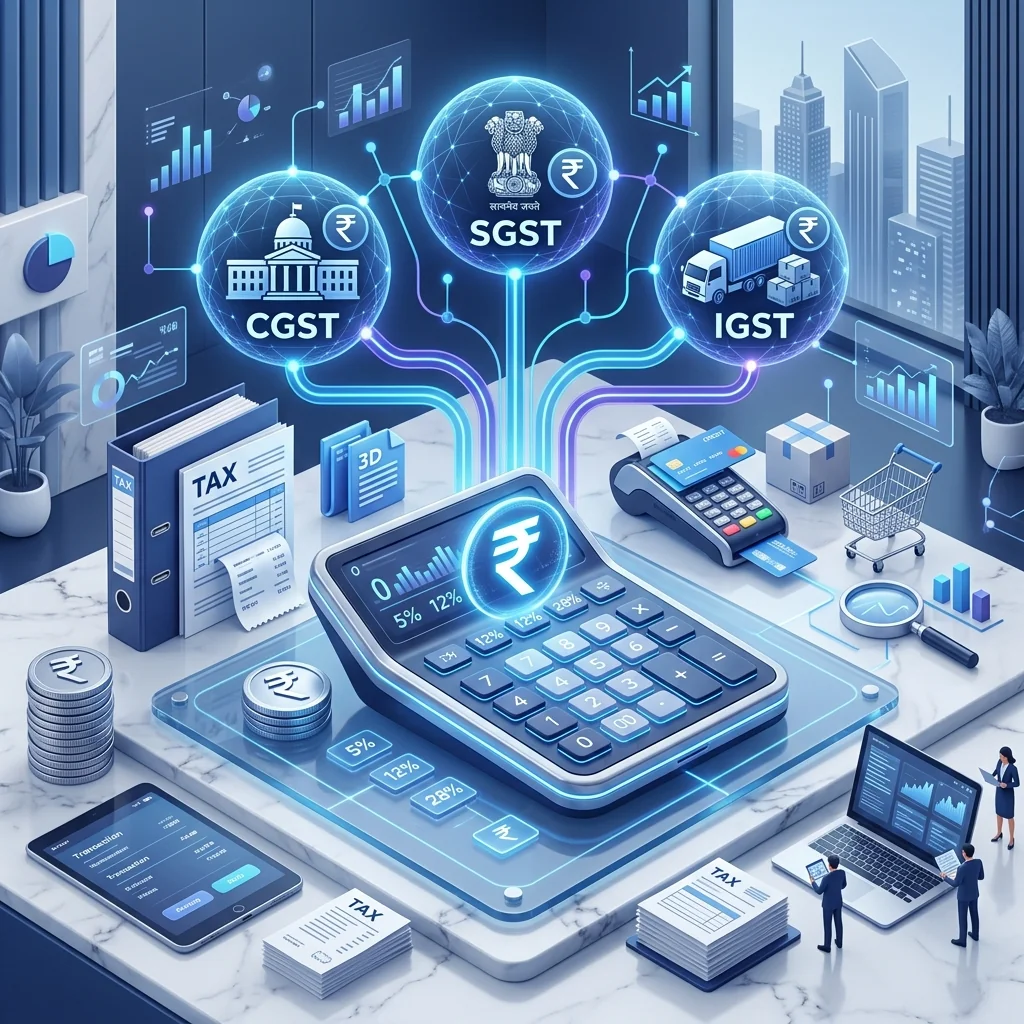
Free GST Bill Generator: How to Create & Download A4 Tax Invoices Online
Every registered business in India must issue a legal GST tax invoice when selling taxable goods or services. Creating compliant GST bills manually can be time-consuming and error-prone. Our free online GST Bill Generator simplifies tax invoicing by auto-calculating taxes, converting amounts into words, generating UPI payment QR codes, and providing 1-click A4 PDF downloads.
Why Every Business Needs a Reliable GST Invoice Tool
Under the Goods and Services Tax Act 2017, every registered supplier must issue a tax invoice for each taxable supply. Failure to issue a proper GST tax invoice can attract penalties under Section 122 of the CGST Act. Manual invoice creation using spreadsheets or word processors introduces the risk of calculation errors in CGST, SGST, and IGST amounts, incorrect HSN/SAC code allocation, and non-compliance with mandatory fields required under Rule 46 of the CGST Rules 2017.
A reliable GST bill generator automates the entire invoicing process: it calculates tax breakdowns automatically, validates that all mandatory fields are present, generates sequential invoice numbering, and produces professional A4-format PDF invoices ready for printing or digital distribution.
Mandatory Fields in a GST Tax Invoice
As per Rule 46 of the CGST Rules, every GST tax invoice must contain the following mandatory fields:
- Supplier Details: Business name, GSTIN, address, and state code of the supplier issuing the invoice.
- Recipient Details: Buyer's name, GSTIN (for B2B), address, and state code.
- Invoice Number: A unique, sequential invoice number not exceeding 16 characters, containing only alphanumeric characters, hyphens, or slashes.
- Invoice Date: The date on which the supply was made or payment received.
- HSN/SAC Code: Harmonized System Nomenclature code for goods or Services Accounting Code for services.
- Item Description: Clear description of goods or services supplied.
- Quantity and Unit: Number of units supplied and the unit of measurement (e.g., NOS, KGS, PCS).
- Taxable Value: Total value of goods/services before tax.
- Tax Rate and Amount: Applicable GST rate (a significant, a significant, a significant, a significant) and the corresponding CGST, SGST, or IGST amount.
- Place of Supply: The state where the goods are delivered or services rendered, determining whether CGST+SGST or IGST applies.
- Total Invoice Value: The final amount including all taxes, with the amount expressed in words.
How Our Free GST Bill Generator Works
Our tool follows a simple step-by-step process designed for speed and accuracy:
- Enter Seller Information: Add your business name, GSTIN, address, phone number, and email. This information is saved locally in your browser for future invoices.
- Enter Buyer Information: Add the recipient's details including name, GSTIN, address, and state. The system automatically determines whether IGST or CGST+SGST applies based on the seller and buyer states.
- Add Invoice Metadata: Enter the invoice number, date, and optional transport details like vehicle number, e-way bill number, and delivery challan reference.
- Add Line Items: For each product or service, enter the description, HSN/SAC code, quantity, unit, rate, discount percentage, and applicable GST rate. The tool automatically calculates the taxable value, CGST, SGST, and IGST for each line item.
- Bank & Payment Details: Add your bank account details (account name, number, IFSC, branch) for wire transfers, and optionally generate a UPI QR code for instant digital payments.
- Preview & Download: Review the complete A4 invoice with a live preview, then download it as a print-ready PDF with a single click.